Short answer
Notion is a workspace that keeps notes, tasks and databases in one place. Picture a document editor crossed with a spreadsheet, where pages nest inside other pages.
People use it for journals, budgets, reading logs and habit streaks at home, and for projects, meeting notes, wikis and light CRMs at work. A workspace used by one person gets unlimited pages and blocks on the free plan.
What is Notion? Pages, blocks and databases
Everything on a Notion screen comes down to three parts. Learn those and the rest is arrangement.
- Pages are blank canvases. A page can hold other pages, which gives you folders without a folder system.
- Blocks are the parts you drop onto a page: a paragraph, a heading, an image, a to-do checkbox. A page is a stack of blocks.
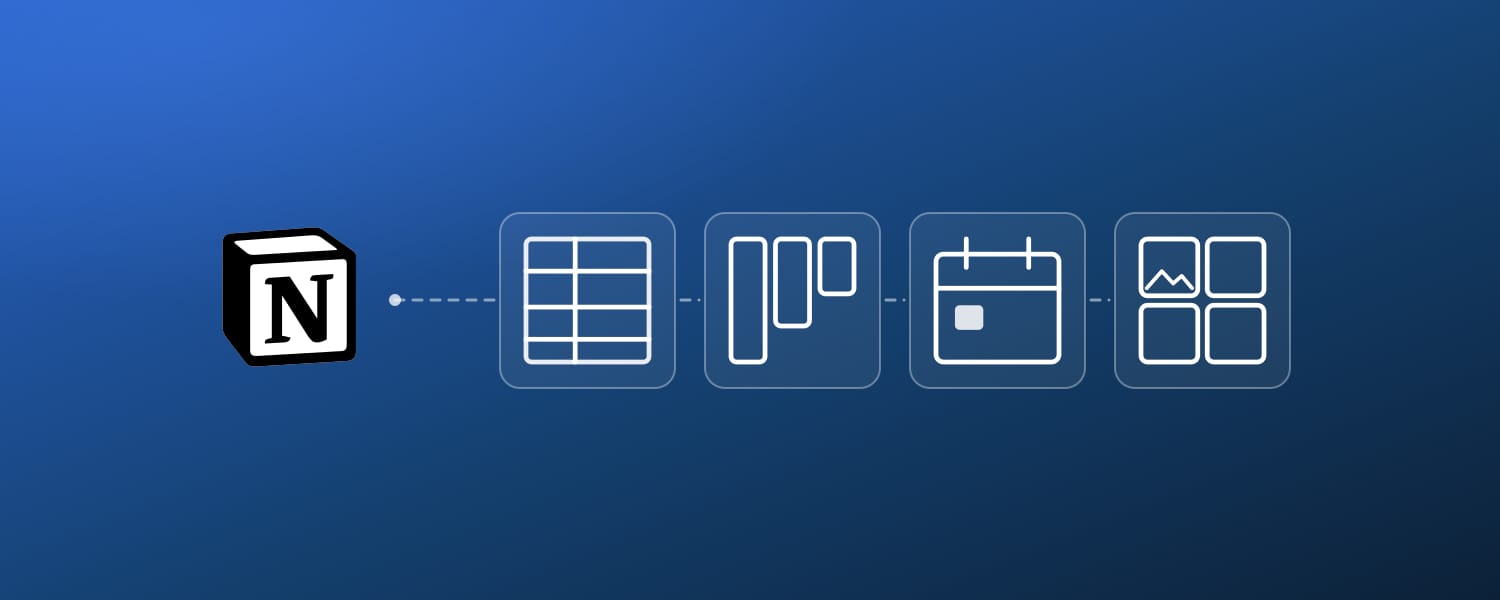
- Databases gather pages that share the same properties, then let you change how you look at them. Table, calendar, board, gallery, timeline, same data underneath.
Databases are what separate Notion from a notes app. One task database becomes a calendar when you want this week, a board when you want status, a table when you want all of it at once.
Type / on a new page and the block menu opens. Headings, to-do lists, tables, embeds: almost everything you build starts from that menu.
The outer container is a workspace. One account can hold several, and each workspace keeps its own pages, members and billing, which is why a personal workspace and a company one stay cleanly apart.
What Notion does, and which plan you need
| What you can do | Who it suits | Plan needed |
|---|---|---|
| Notes and documents | Everyone | Free |
| Databases with table, calendar, board, gallery and timeline views | Anyone tracking a set of things | Free |
| Tasks and to-do lists | Personal and team | Free |
| Project management with linked databases | Teams | Free |
| Journals, budgets, habit logs | Personal | Free |
| Reading, film and game logs | Personal | Free |
| Company wiki and documentation | Teams | Free, with a block limit once several members share it |
| Meeting notes | Teams | Free |
| Light CRM for contacts and deals | Freelancers, small teams | Free |
| Content calendars and editorial planning | Creators, marketing teams | Free |
| Notion AI for drafting and database autofill | Everyone | Trial on Free and Plus, unlimited on Business and above |
| Database automations | Teams | Paid plan |
| Two-way sync with your calendar, tasks and contacts apps | Anyone running Notion next to other apps | Needs an outside tool |
How to use Notion for personal life
Notion gets written about as a team tool. The way it actually gets used leans personal.
Of the people running 2sync, 70.0% use Notion as a personal workspace, and 89.3% are the only member of theirs. The four professions we see most are student (731), consultant (633), creator or artist (573) and founder (521).
So a setup you can keep up alone matters more than anything written for a twelve-person rollout.
A journal or daily log
Add one date property, then add one page per day. That is a journal.
Starting from a blank page is where most journals die. A template with the questions already written beats an empty box, because answering is easier than inventing.
Money and spending
Make the amount a number property and the category a select. Monthly totals and per-category sums come out of the database itself.
The difference from a spreadsheet is that every expense is a page, so the receipt photo and the note about why you bought it go in the row itself.
Books, films and games
Switch a log to gallery view and the covers line up like a shelf. Filter by rating or finish date and the archive becomes searchable, which is the part that pays off a year later.
Habits and goals
A row of checkboxes against dates is a habit tracker. Start from a habit tracker template and delete what you stop ticking. Trimming a working system lasts longer than designing a perfect one.
How to use Notion for work and teams
At work the point is narrower: one place where the answer is, so nobody has to ask who has the latest version. Our full walkthrough of the database side is in how to use Notion for project management.
Projects and tasks
Connect a projects database to a tasks database with a relation property, and every task carries its parent project. Board view for what is moving, calendar view for what is due.
Meeting notes
One page per meeting, with date, attendees and related project as properties. Six months later you can find which meeting a decision came out of, which is the thing a folder of documents can never tell you.
A company wiki
Put processes and policies in Notion and you stop having facts that only one person knows. Onboarding and handovers turn into sending the same link twice.
Content planning
A single database holds every piece you publish, with status, channel, owner and publish date as properties. Calendar view answers what goes out next week; board view answers what is stuck in review.
A light CRM
Contacts become a database, and each conversation or deal is a related page. It will not replace a sales platform, but for a freelancer or a three-person team it holds.
Is Notion free? How far the free plan goes
The free plan's limit depends on how many people are in the workspace, and that is the part people misread before they start paying.
- One person in the workspace: unlimited pages and unlimited blocks. Nothing about volume should push a solo user onto a paid plan.
- A workspace shared with several members: there is a block limit. Once you hit it you can still view, edit and reorganize everything already there, but you cannot add new blocks.
- Notion AI: Free and Plus get a trial tier, covering document generation and database autofill. Unlimited AI starts at Business.
If you are weighing Notion AI against a general chat assistant before paying for either, Notion AI versus ChatGPT covers where each one wins.
How students use Notion
Students are the largest single profession on our own accounts, and Notion is unusually generous to them.
The usual shape is a page per course and one assignments database sorted by due date. Notion templates for students collects the layouts worth copying.
What Notion is bad at
Some limits only show up after a few months of real use. Knowing them early saves a rebuild.
- Database automations need a paid plan. On Free you can create Slack notifications and nothing else. Notion documents exactly three triggers: Page added, Property edited and
Every {frequency}. There is no date-proximity trigger, so no automation can fire the day before something is due; recurring alerts have to ride on the frequency trigger. The workarounds are in how to set reminders in Notion. - Notion Calendar does not write to your databases. It creates, edits and deletes events on connected Google, Outlook and iCloud calendars, but those events never become pages in a Notion database. The 2sync and Notion Calendar comparison lays out which job each one does.
- There is no native Google Sheets sync. Notion offers a one-off CSV import and that is the whole story.
- Offline needs setting up in advance. You mark the pages you want before you lose signal; unmarked pages will not open. See how to use Notion offline.
- The blank page is the real barrier. Notion asks you to decide the structure before you have anything to put in it, which is why so many workspaces are three pages and a good intention.
Using Notion next to the apps you already open
Notion's weak spot is that a plan written in Notion only exists in Notion. On a day you do not open the app, nothing you wrote reaches you.
Sync fixes that. When your Notion database and the calendar or task app on your phone stay in step, the plan shows up where you already look.
2sync connects Notion two ways with the apps most people already run:
- Calendars: Google Calendar and Outlook Calendar
- Tasks: Todoist, Google Tasks and Microsoft To Do
- Spreadsheets: Google Sheets, which Notion has no native sync for
- Contacts: Google Contacts and Outlook Contacts
Change something on either side and the other side follows. Gmail and Outlook Mail are the exception: those come into Notion only, and never go back out.
Field mapping is per field, not per automation, so one property can be two-way while the one below it only reads into Notion.
The step-by-step setups are in how to sync Notion with Google Calendar and how to sync Notion with Todoist, both with screenshots.
Put your Notion dates in the calendar you actually check
2sync syncs a Notion database with Google Calendar both ways. Edit on either side and the other updates on its own.
Where to start
Notion is three parts you arrange: pages, blocks, databases. Nobody gets the arrangement right on the first try, and aiming for the finished workspace is how people quit in week two.
Build one database instead. A journal, a budget, a reading log, whatever you will actually open. Add rows for a week, then switch the view and watch the same data turn into a calendar. That moment is when Notion makes sense.
If you would rather not start from a blank page, free Notion templates are a reasonable place to steal a structure from.
FAQ
Can I earn money from Notion?
Not from using it. The money comes from what you build with it: selling templates you made, setting up workspaces for clients, or teaching the tool. Notion runs a public gallery of creator-made templates at notion.com/templates. Consultant is the second most common profession on our own accounts, after student, and workspace setup is a large part of what those people bill for.
What is a Notion template?
A pre-built page or database you duplicate into your own workspace, arriving with its properties, views and example rows already set up. You then delete what you do not need. It is the fastest way past the blank page, and our pick of the free ones is in free Notion templates.
Is Notion free?
Yes, and for one person the free plan is close to unlimited: a workspace used by a single member gets unlimited pages and unlimited blocks. The block limit only applies once a workspace is shared with several members, and on hitting it you can still view, edit and reorganize existing blocks but cannot add new ones. Notion AI is a trial tier on Free and Plus; unlimited AI needs Business or above.
What are the pros and cons of using Notion?
The upside is one place for notes, tasks and structured records, with database views that reshape the same data into a table, calendar, board or gallery. The downsides: you have to design the structure yourself before anything is in it, database automations need a paid plan and offer only three triggers (page added, property edited, and a recurring frequency trigger, with nothing that fires near a date), there is no native Google Sheets sync, and offline access has to be set up page by page in advance.
Does anyone use Notion anymore?
Yes. We have passed 127,221 accounts created on 2sync since 2020 across 202 countries, and every one of them exists to connect a Notion database to another app. Notion has kept adding to the product too: database automations, Notion AI and Notion Calendar are all newer than the core workspace.
What's better, OneNote or Notion?
They solve different problems. OneNote is a freeform notebook, strong on handwriting, ink and pasting things anywhere on a page, and it comes with Microsoft 365. Notion is structured: pages with properties that you can filter, sort and view as a calendar or board. Pick OneNote to capture quickly, Notion to find things later. Our longer verdict on the note-taking side is in is Notion a good note-taking app.
Image credits: Notion, 2sync.

![How to sync Notion with Google Calendar [2026 guide]](https://media.2sync.com/cdn-cgi/image/format=auto,quality=80,fit=scale-down,width=600/blog/how-to-sync-notion-with-google-calendar-2.png)