

NewGoogle Contacts address fie...

Notion sync that just works. Automatically.

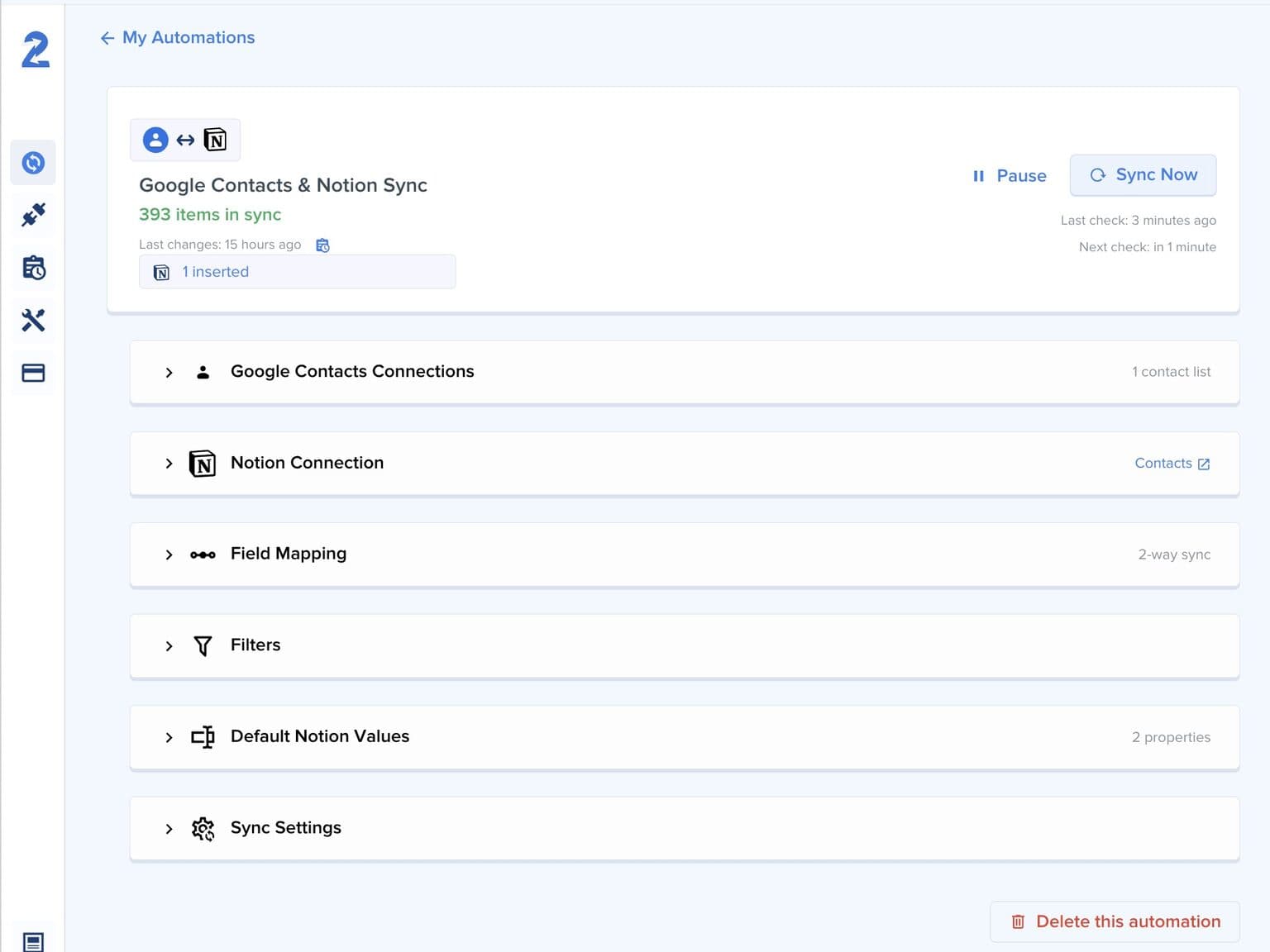
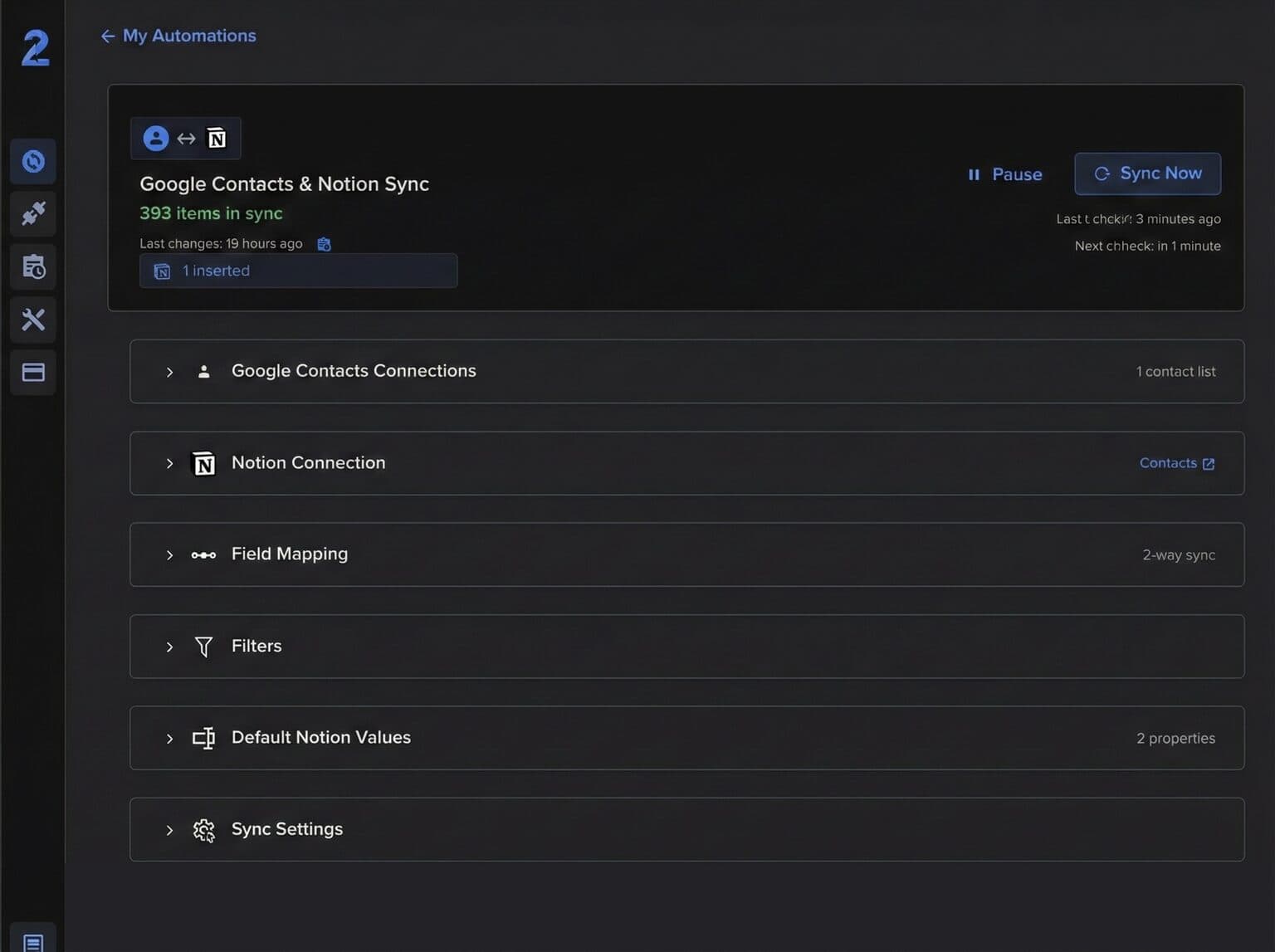
2sync is a Notion integration that creates two-way sync between your databases and Google Calendar, Todoist, Outlook, and more. Set it up once, trust it daily.

14-day free trial. Cancel anytime.

NotionNotion

What is 2sync?

2sync is a Notion automation tool that eliminates manual data entry between Notion and your other tools. It creates live two-way sync between Notion databases and Google Calendar, Todoist, Outlook, or Gmail, so a change in one app appears in the other within minutes.

2sync integrates with Google Calendar, Outlook Calendar, Todoist, Google Tasks, Google Contacts, Outlook Contacts, Gmail, and Outlook Mail.

4K+

Active syncs

18M+

Notion pages synced

4.97/5

Average user rating

2 min

Fastest sync frequency


Notion Automations

Your tools, finally in sync

2sync connects Notion to your calendar, tasks, and contacts. Set up your Notion automation once and let 2sync keep everything in sync automatically.

True two-way sync

2sync propagates changes in both directions automatically. Edit a task in Notion or update an event in Google Calendar, and 2sync keeps everything consistent within minutes.

  • Edit anywhere, sync everywhere
  • No more manual copy-paste between tools
  • Conflict resolution built-in
Dashboard mockup showing application interfaceDashboard mockup showing application interface

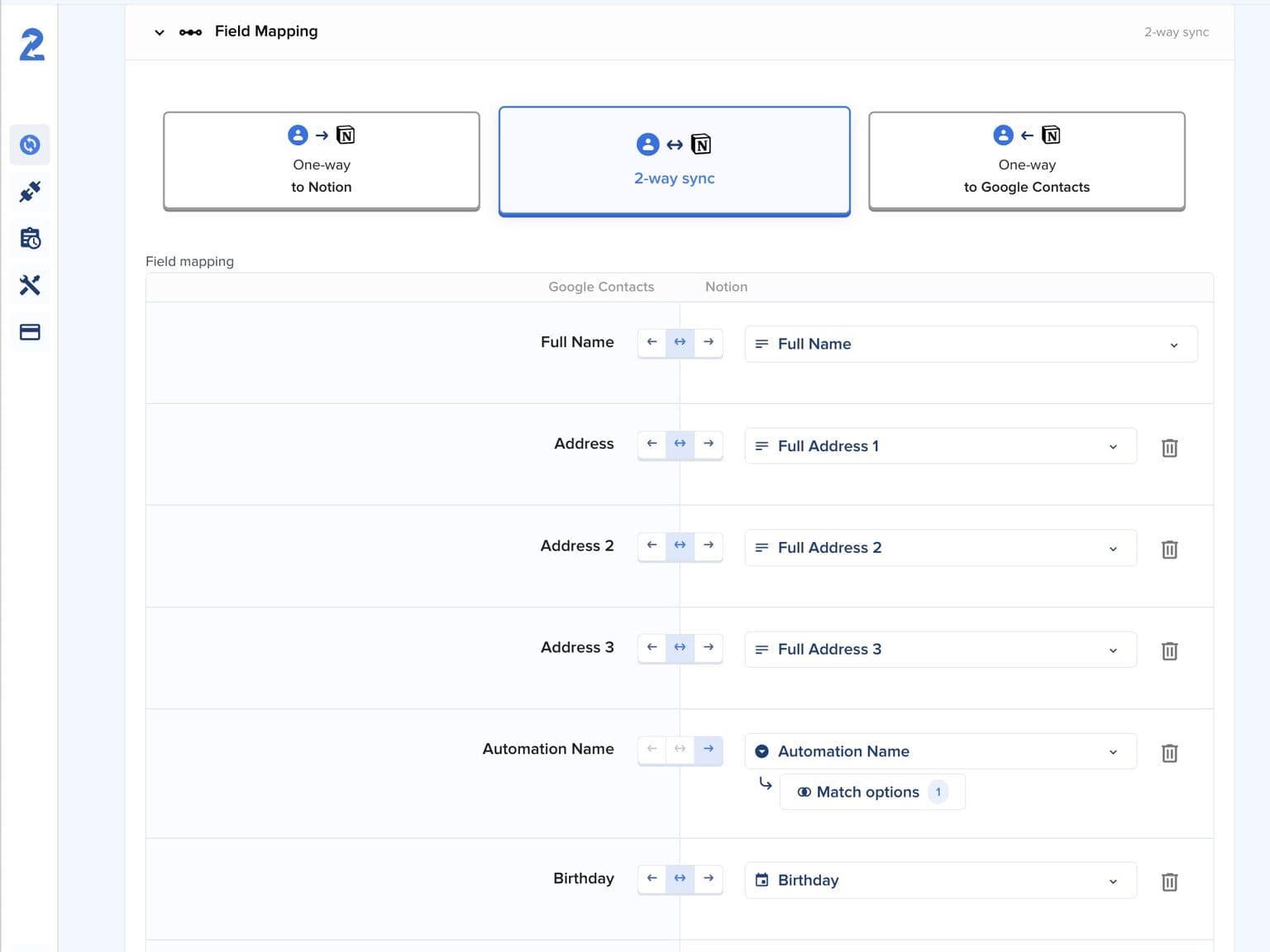
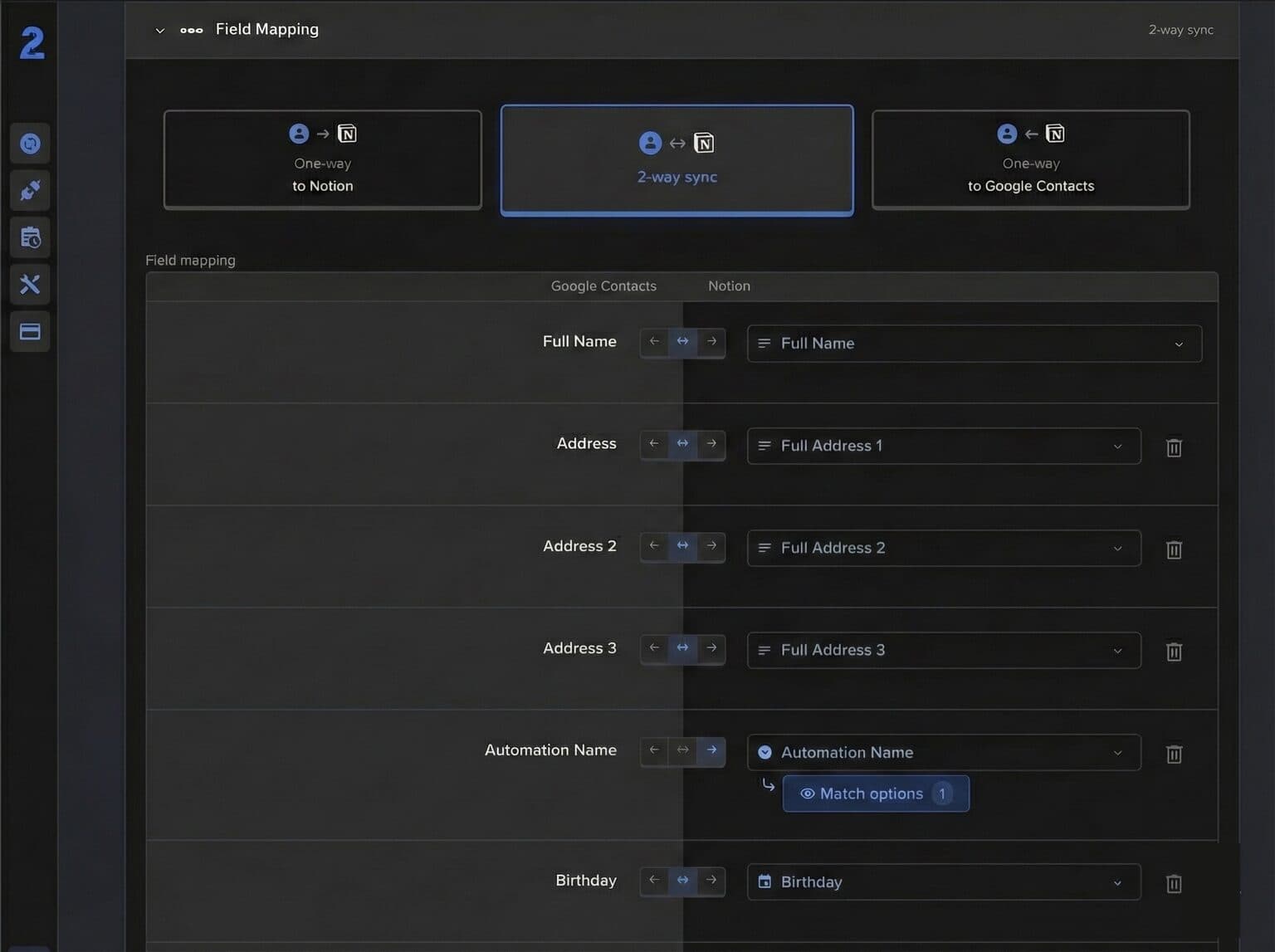
Flexible field mapping

Map any Notion property to any field in Google Calendar, Todoist, Outlook, or Gmail. 2sync supports all Notion property types, so your workflow stays yours.

  • Custom property mapping for each sync
  • Support for all Notion property types
  • Filter which items to sync
Field mapping mockup showing application interfaceField mapping mockup showing application interface

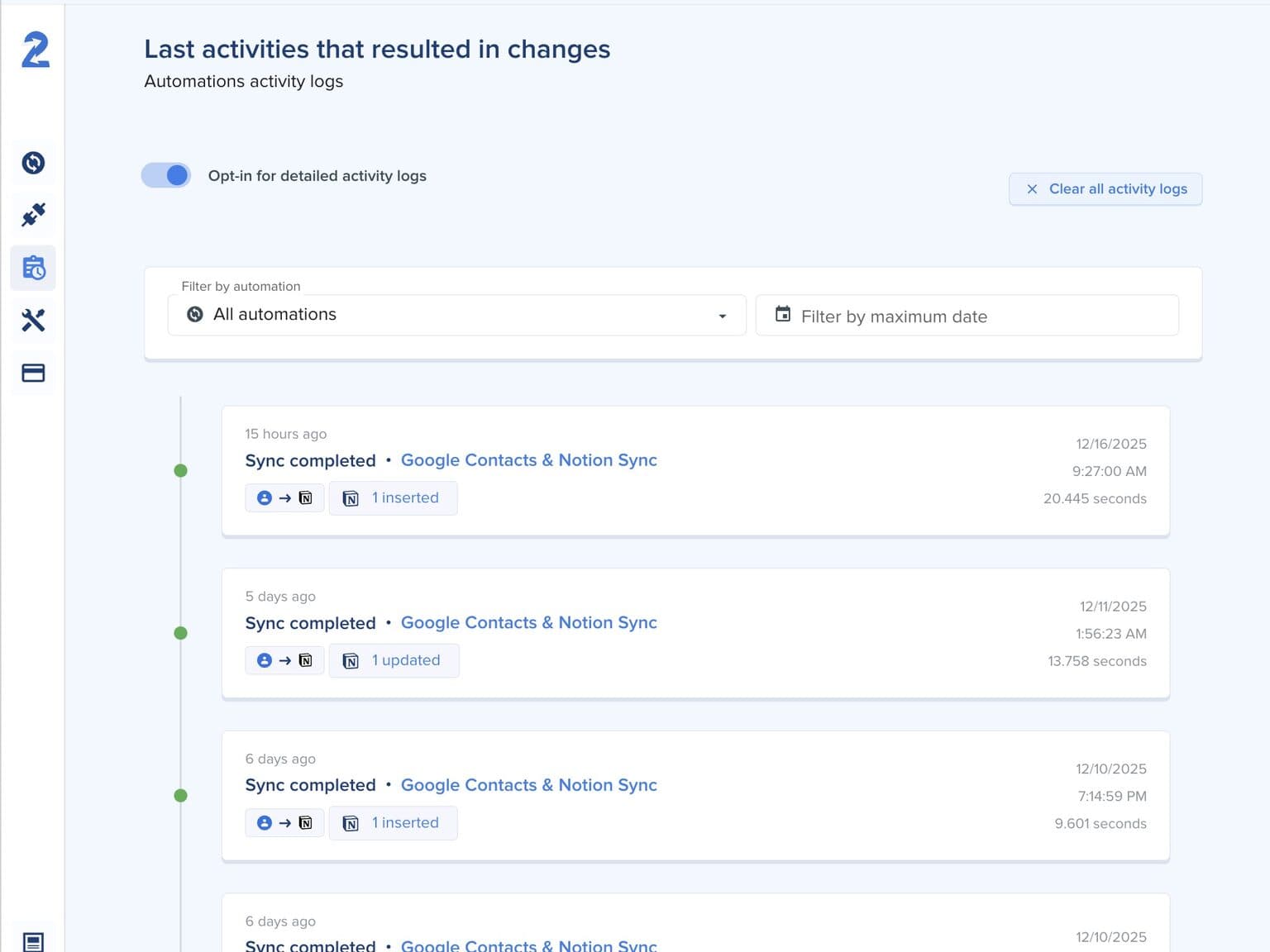
Set it and forget it

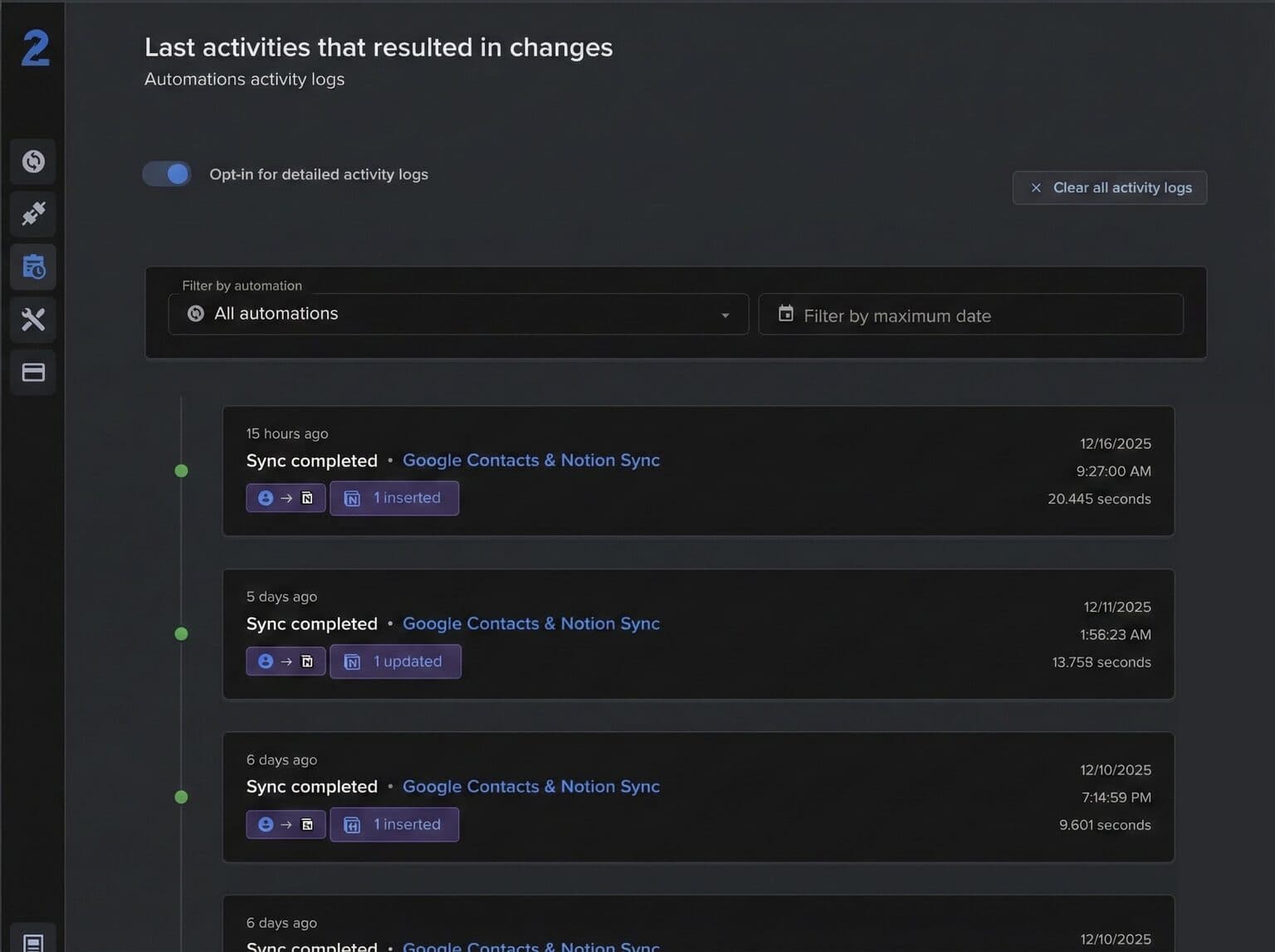
Configure your Notion automation once and let 2sync run in the background. Syncs run as often as every 2 minutes. Get notified only when something needs your attention.

  • Automatic syncs from every 2 minutes to daily
  • Sync history and detailed logs
  • Email alerts for sync issues
Activity logs mockup showing application interfaceActivity logs mockup showing application interface
How It Works

Set up your Notion sync in under 5 minutes

Connect your apps, map your fields, and let 2sync handle the rest.

Connect your apps

Link your Notion database and choose an integration like Google Calendar, Todoist, or Outlook

Map your fields

Match Notion properties to app fields and set the sync direction per field

Start syncing

Enable your automation and let 2sync keep everything updated with two-way sync

Compare

How does 2sync compare to Zapier and Notion Calendar?

See how 2sync compares to other ways of connecting Notion to your tools.

Feature
2sync
Notion Calendar
Zapier
Two-way database sync
-
-
Field-level direction control
-
-
Contacts and email sync
-
No data storage
-
Predictable pricing
-

Reviews

What do users say about 2sync?

Hear first-hand from our incredible community of customers.

FAQs

Everything you need to know about the product and billing. Can't find the answer you're looking for? Please chat to our friendly team.

Does 2sync support two-way sync with Google Calendar?
Yes. 2sync provides true two-way sync between Notion databases and Google Calendar. Create an event in either app and it appears in the other within minutes. Each field can be configured to sync in both directions, one-way to Notion, or one-way to Google Calendar.
How is 2sync different from Notion Calendar?
Notion Calendar displays external calendar events inside Notion but does not sync Notion database entries back to your calendar. 2sync provides field-level two-way sync, filters, and support for multiple apps beyond calendars, including tasks, contacts, and email.
Does Notion Calendar have two-way sync with Google Calendar?
Notion Calendar can display Google Calendar events inside Notion, but it does not offer true two-way sync. Changes made to Notion database entries are not pushed back to Google Calendar. 2sync fills this gap by providing full two-way sync between Notion databases and Google Calendar, with field-level direction control and automatic updates as often as every 2 minutes.
What apps does 2sync integrate with?
2sync connects Notion with Google Calendar, Google Tasks, Google Contacts, Gmail, Outlook Calendar, Outlook Contacts, Outlook Mail, and Todoist. Calendar and task integrations support two-way sync. Email integrations sync one-way to Notion.
Is my data stored by 2sync?
No. 2sync processes your data to perform the sync but does not store copies. Only connection metadata and configuration settings are saved. Your data stays in Notion and your connected accounts.
How do I sync my Notion database with Google Calendar?
Connect your Notion workspace and Google account in the 2sync dashboard, select the database and calendar you want to link, map your fields, and activate the automation. Your first sync starts within minutes. No code or complex setup required.
Can I sync Notion with Outlook Calendar?
Yes. 2sync supports two-way sync between Notion databases and Outlook Calendar, along with Outlook Contacts and Outlook Mail. Changes in either app sync automatically on the same schedule as Google Calendar integrations.
Can I sync Notion with Apple Calendar?
Apple Calendar does not have a public API, so 2sync cannot connect to it directly. However, if you sync Apple Calendar with Google Calendar or Outlook Calendar, 2sync will keep your Notion database in two-way sync with those calendars, and Apple Calendar stays updated through the shared connection.
How much does 2sync cost?
Plans start at $7/month for one automation with syncs every 5 minutes. Premium and Pro plans add more automations, faster sync frequency, and a longer sync time window. All plans include unlimited synced items and a 14-day free trial.

Still have questions?

Can't find the answer you're looking for? Please chat to our friendly team.

Get in touch

Latest posts

From our blog

Interviews, tips, guides, industry best practices, and news.