2sync
Product insights3 min read

Now live: Sync Gmail & Google Contacts with Notion

Sync Gmail and Google Contacts with Notion using 2sync. Capture emails, update contacts, and keep everything in sync automatically.

Featured image for Now Live: Sync Gmail & Google Contacts With Notion
Written by
Simo Elalj
Published on
Oct 13, 2025
Updated on
Oct 14, 2025

You can now bring your Gmail and Google Contacts to Notion with two new automations:

Both follow the same easy onboarding flow you already know from 2sync, like Google Calendar or Todoist: connect, choose a Notion database, set filters, map fields, and start syncing.

Gmail → Notion

Bring the emails you care about into Notion for triage, collaboration, and tracking, without changing how you use Gmail.

Mappable Gmail fields (one-way)

  • Subject
  • Preview / Snippet
  • Sender and Recipients (as text or relations)
  • CC, BCC
  • Labels (multi-select or relation)
  • Email ID
  • Gmail URL
  • Received at (date & time)
  • Threading helpers: parent/previous/next message (relations)
  • Metadata: sync status, automation name
  • Note: attachments are added as links to the files (not uploaded into Notion).

Filters & settings

  • Choose mailboxes/categories (Inbox, Starred, Important, Social, Updates, etc.).
  • Limit by timeframe (e.g., last 3 months).
  • Pick a sync frequency to balance freshness and load.
  • Conservative deletion by default (un-sync instead of hard delete), with an option to allow true deletion from Notion.

Tip: Want to start fresh? Mass delete old emails from Gmail first, then sync only what matters going forward.

Sync Gmail with Notion

Google Contacts ↔ Notion

Turn Notion into a lightweight CRM or keep your existing pages in sync with Google Contacts. For a step-by-step walkthrough, see our guide on building a personal CRM in Notion with Google Contacts sync. If you are comparing dedicated CRM tools, see our best CRM for freelancers roundup.

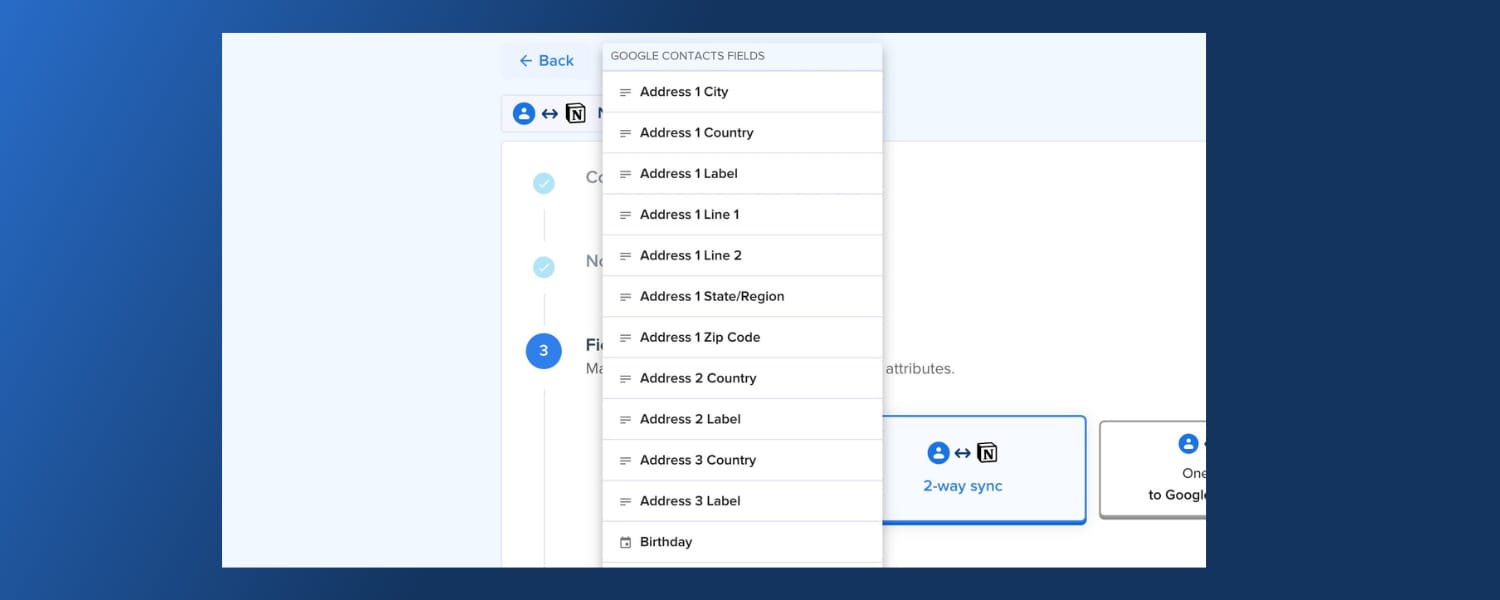
Mappable contact fields (two-way)

  • First name, last name, nickname
  • Emails
  • Phone numbers
  • Addresses and country
  • Job title
  • Birthday
  • Description/notes
  • Photo
  • Labels/Tags (multi-select or relation)
  • Contact URL, Person ID
  • Metadata: sync status, automation name

Filters & settings

  • Set sync frequency.
  • Optionally add a Notion link in the Google Contacts description field for fast cross-navigation.
  • Include historical Notion entries that predate the first sync (optional).
  • Ignore items already linked by other automations to avoid duplicates.
  • Conservative deletion by default.

Sync Google Contacts with Notion

What’s next on our roadmap

We’re actively building Outlook Calendar support next, so users and teams on Microsoft 365 can mirror events to and from Notion with the same safety controls, filters, and field mapping you know from other 2sync automations. If you want early access, tell us; your use cases help us shape the rollout.

We have big plans ahead, and we’ll keep listening, improving, and building with you.

Thank you for your continued support, trust, and feedback! ☀️

About the author

Simo Elalj
Simo Elalj

Founder of 2sync. Software engineer with a background in computer science from INSA Lyon. Builds sync tools that connect Notion with calendars, tasks, and contacts. Previously founded RefurbMe, a price comparison platform for refurbished electronics.


Latest

From the blog

The latest industry news, interviews, technologies, and resources.