

Google Calendar leads our 2026 ranking of the best calendar apps. Compare pricing, features, and platforms for Outlook, Notion Calendar, Todoist, and more.
2sync is a Notion integration that creates two-way sync between your databases and Google Calendar, Todoist, Outlook, and more. Set it up once, trust it daily.
14-day free trial. Cancel anytime.
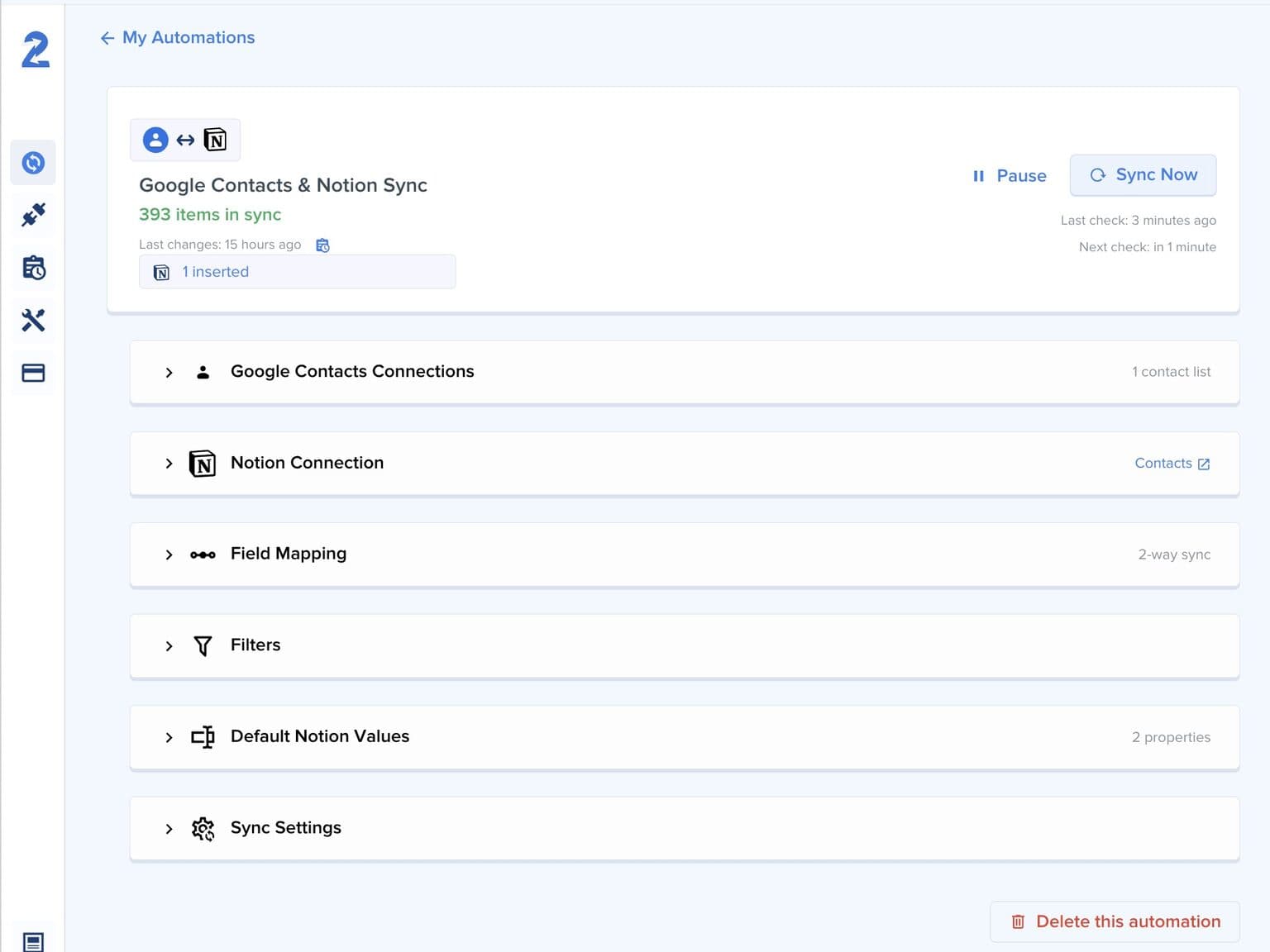
2sync is a Notion automation tool that eliminates manual data entry between Notion and your other tools. It creates live two-way sync between Notion databases and Google Calendar, Todoist, Outlook, or Gmail, so a change in one app appears in the other within minutes.
2sync integrates with Google Calendar, Outlook Calendar, Todoist, Google Tasks, Google Contacts, Outlook Contacts, Gmail, and Outlook Mail.
4K+
Active syncs
18M+
Notion pages synced
4.97/5
Average user rating
2 min
Fastest sync frequency
See how individuals and teams use 2sync to stay focused and save hours every week.
2sync connects Notion to your calendar, tasks, and contacts. Set up your Notion automation once and let 2sync keep everything in sync automatically.
2sync propagates changes in both directions automatically. Edit a task in Notion or update an event in Google Calendar, and 2sync keeps everything consistent within minutes.


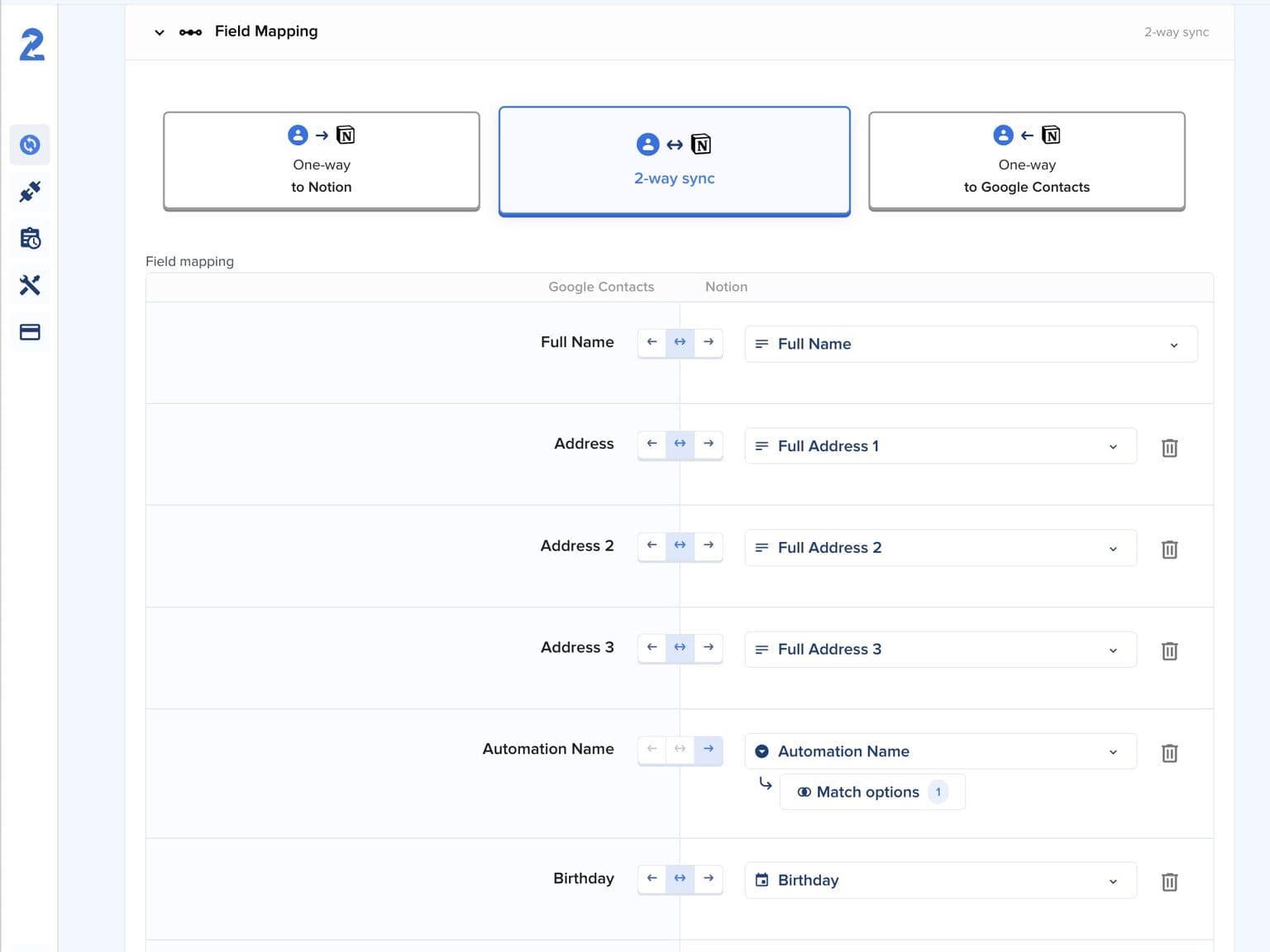
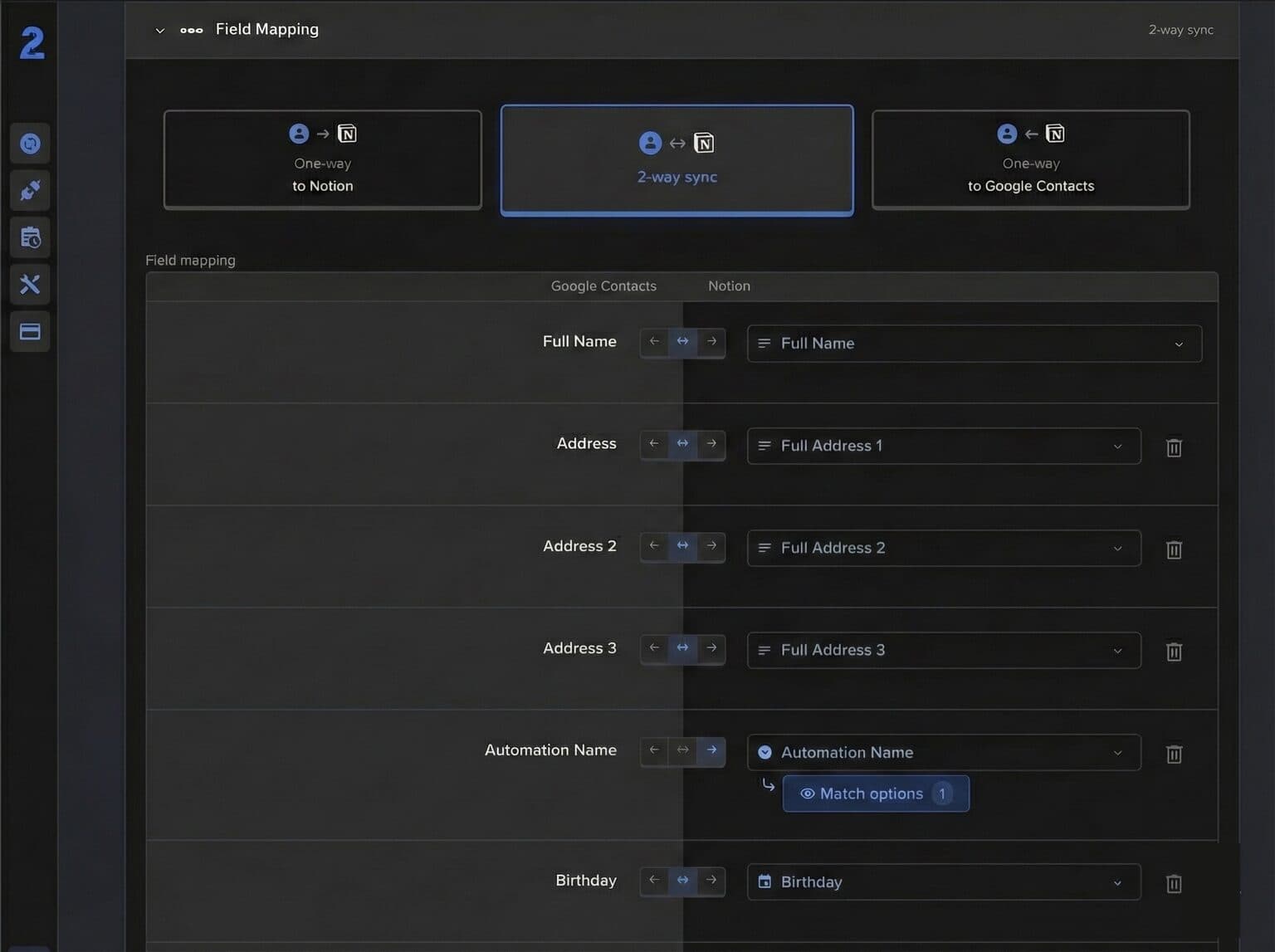
Map any Notion property to any field in Google Calendar, Todoist, Outlook, or Gmail. 2sync supports all Notion property types, so your workflow stays yours.


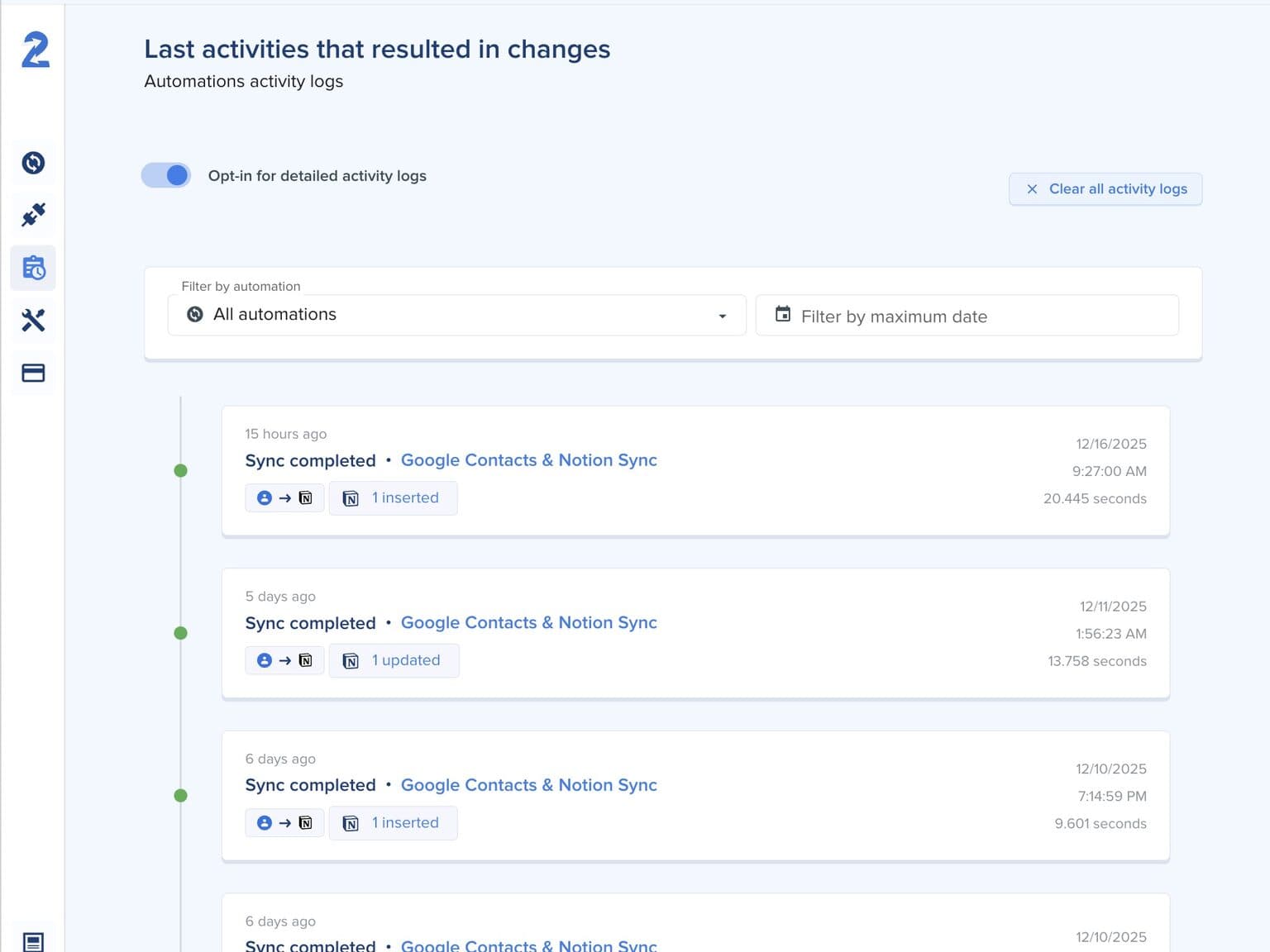
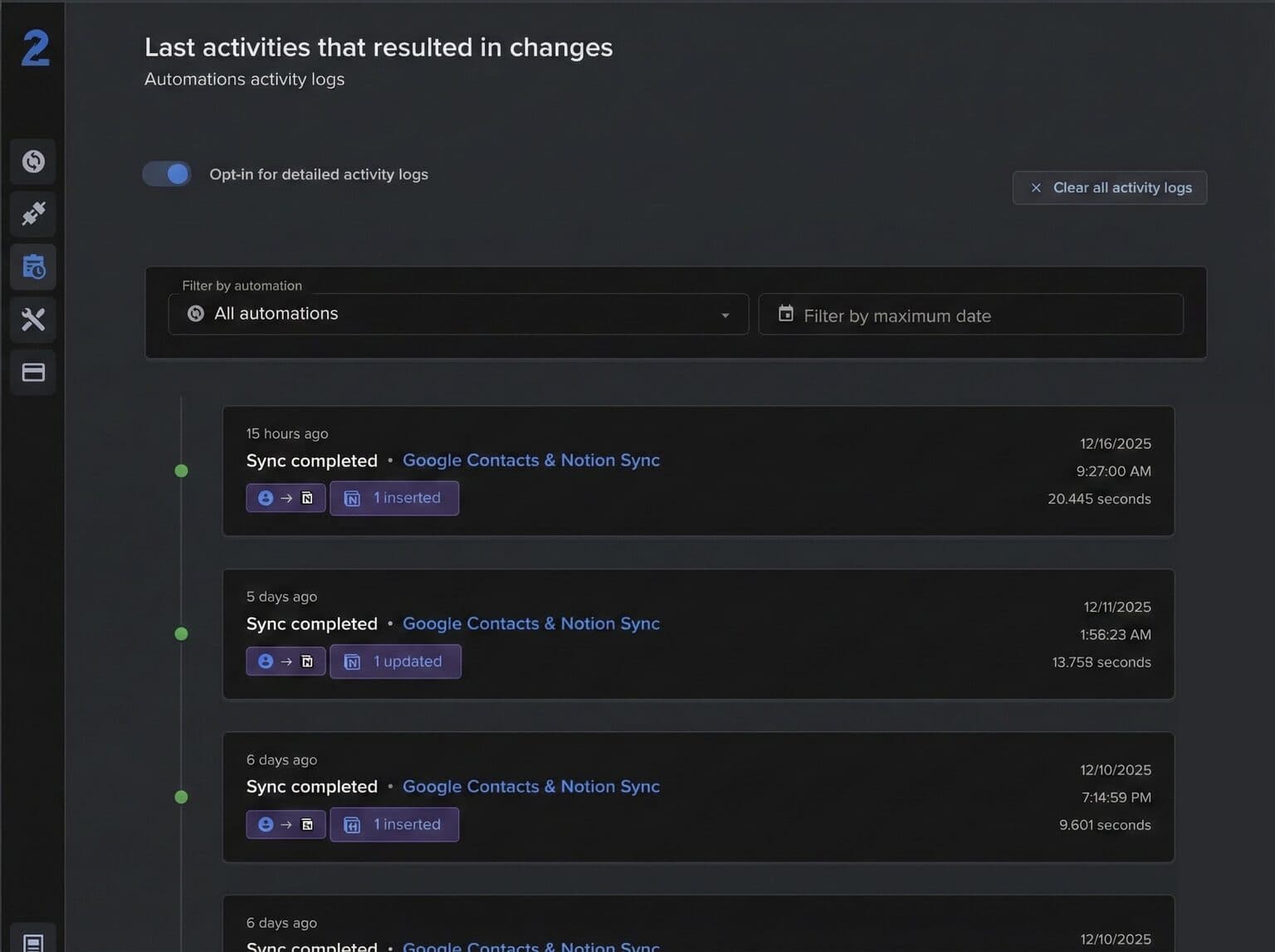
Configure your Notion automation once and let 2sync run in the background. Syncs run as often as every 2 minutes. Get notified only when something needs your attention.


Connect your apps, map your fields, and let 2sync handle the rest.
Connect your apps
Link your Notion database and choose an integration like Google Calendar, Todoist, or Outlook
Map your fields
Match Notion properties to app fields and set the sync direction per field
Start syncing
Enable your automation and let 2sync keep everything updated with two-way sync
See how 2sync compares to other ways of connecting Notion to your tools.
Hear first-hand from our incredible community of customers.
Everything you need to know about the product and billing. Can't find the answer you're looking for? Please chat to our friendly team.
Can't find the answer you're looking for? Please chat to our friendly team.
Fresh takes on Notion integrations, calendar and task apps, and workflows that actually stick.

Google Calendar leads our 2026 ranking of the best calendar apps. Compare pricing, features, and platforms for Outlook, Notion Calendar, Todoist, and more.

Google Calendar vs Apple Calendar in 2026: offline behavior, notifications, AI availability, sharing, and privacy compared side by side.

Notion Calendar vs Google Calendar: one runs on the other. Compare mobile, sharing, scheduling links and the Notion database limit before you pick.

Notion for project management: build a Projects and Tasks system, 2026 AI features, and a fix for deadlines that never leave Notion.

Coda is now Superhuman Docs. Notion launched AI agents. Compare pricing, features, automation, and AI to choose the right workspace in 2026.

Notion Workers sync outside data into Notion one way, and synced columns turn read-only. What that rules out, and what each sync run costs in credits.
![How to sync Notion with Google Calendar [2026 guide]](https://media.2sync.com/cdn-cgi/image/format=auto,quality=80,fit=scale-down,width=1000/blog/how-to-sync-notion-with-google-calendar-2.png)
Notion has no native database sync with Google Calendar. Compare 8 methods, see what each supports, and set up true two-way sync in under 10 minutes.

Notion has no native Todoist sync. Compare the embed, Zapier, Make, n8n, Pleexy and 2sync, then set up true two-way sync in about 10 minutes.